
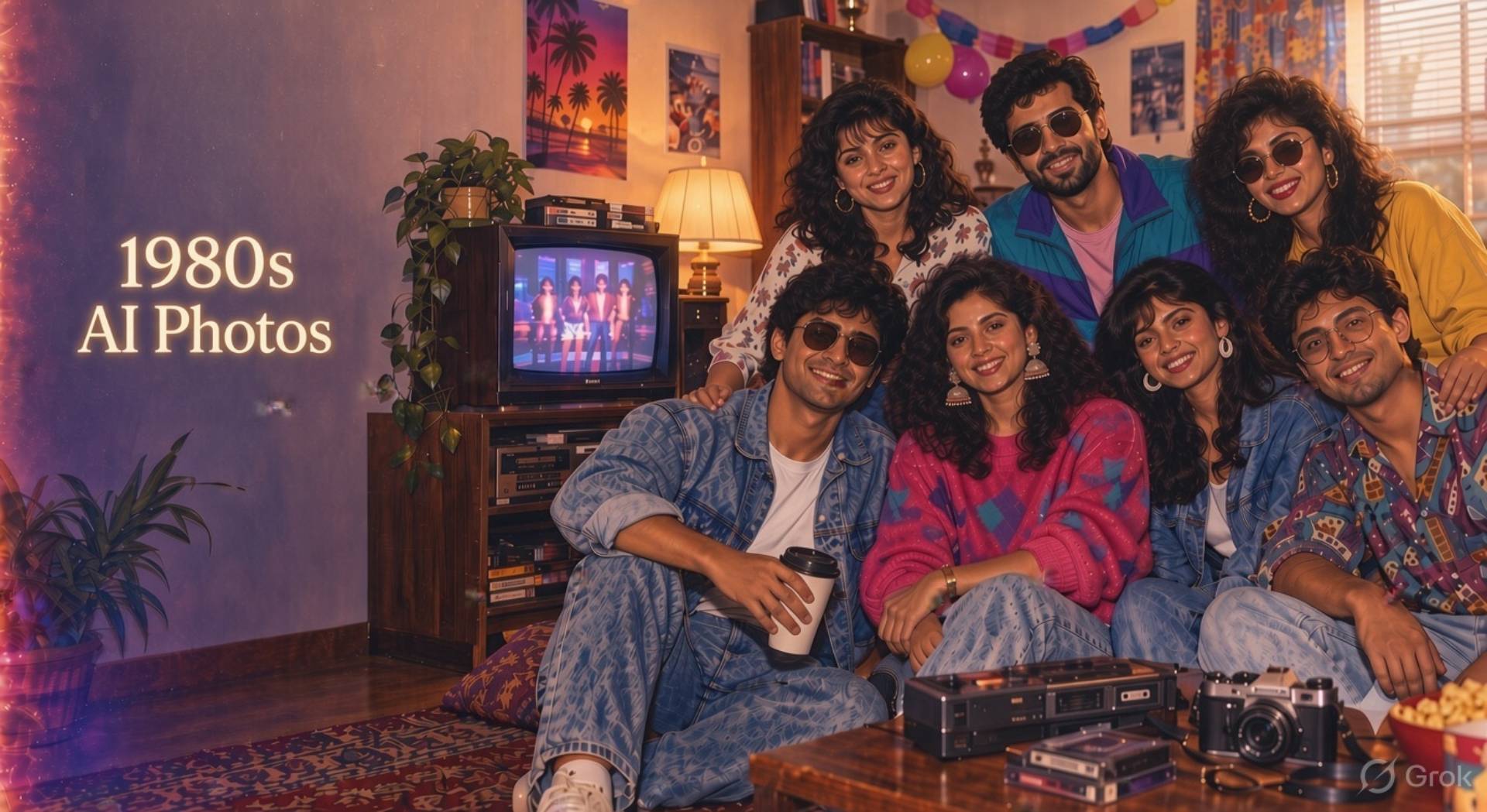
Almost every guide to the 1980s AI photo trend is really a guide to solo portraits. That’s fine until you try it with your partner, your whole family, or a group of six friends from a house party — and discover that group photos break in ways a single portrait never does. Faces blend into each other. Your sister ends up with your cousin’s nose. Someone at the back of the group loses their face entirely and gets replaced with a smooth, generic one. The taller person and the shorter person swap heights.
None of this is really about the prompt being “wrong” in the way a solo portrait prompt can be wrong. It’s a different, harder problem — keeping several real, specific faces distinct and correctly matched to their owners while the AI is simultaneously redesigning everyone’s clothes, the lighting and the whole scene. This article is entirely about that problem: how to set a group photo up to succeed, and what to do when it doesn’t.
╔═════════════════════════════════════════════════════════════╗
║ 📼 80s RETRO — KEY TAKEAWAYS
╠══════════════════════════════════════════════════════════════
║ ➤Choose a clear 1980s setting, such as a family home, school dance, arcade or studio portrait
║ ➤Describe period-accurate clothing, hairstyles, poses, props and lighting in your AI prompt.
║ ➤Use details such as disposable-camera flash, film grain, VHS colour bleed and soft focus for
║ an authentic retro look.
║ ➤Include everyone’s relationship, age range and position to create natural group portraits.
║ ➤Refine faces, hands, clothing and background details through several prompt variations.
║ ➤Edit the final image with grain, faded colours, light leaks and a subtle border for a
║ convincing vintage finish.
║ ➤Avoid modern phones, contemporary logos, ultra-sharp details and futuristic settings that
║ weaken the 1980s aesthetic.
╚══════════════════════════════════════════════════════════════╝
Choosing the Right Group Reference Photograph
Group results live or die on the quality of the photo you start with, more so than with solo portraits.
Look for a source photo where every face is clearly visible and reasonably well lit — no one half-turned away, no one in heavy shadow, no one with their face partly covered by another person’s shoulder. Even a small amount of occlusion in the original tends to get worse, not better, once the AI has to invent what it can’t see clearly.
Keep the group to a manageable size if you have a choice of photos. Two to four people gives an AI tool a realistic chance of keeping everyone distinct; six, seven or eight starts to push most tools past what they can reliably hold onto in one image, and you should expect more correction rounds as the group grows.
Resolution matters more here too. A low-resolution or heavily compressed photo might just about work for a single face, but for a group it often means the AI is working from blurry, ambiguous information for everyone except whoever’s front and centre — which is usually where the “why does my cousin look like a stranger” problem starts.
Keeping Every Person Recognisable
The single most useful habit for group photos is describing people individually rather than treating “the group” as one instruction.
Rather than “keep everyone’s faces the same,” which gives the model nothing specific to hold onto, describe each person by their position and a distinguishing feature: “the person on the far left with short dark hair,” “the taller person in the centre,” “the child on their mother’s lap.” This gives the model a concrete anchor for each face rather than one vague instruction covering everyone at once.
It’s also worth stating relative ages, heights and builds explicitly, especially for family or parent-and-child photos — “preserve the height difference between the adult and the child,” “keep the older woman’s hair grey, not darkened” — because these are exactly the details a model will quietly “average out” if you don’t ask it not to.
Preventing Merged or Duplicated Faces
Two related failures show up constantly in group AI photos: two people’s features blending into a single face that resembles neither of them properly, and one person’s face effectively getting copied onto someone else in the frame.
This tends to happen more with people who share some features already — siblings, a parent and child, a couple who happen to have similar colouring — because the model has less to differentiate them by unless you spell it out. It also gets worse the more the prompt asks the scene to change at once (new clothes, new lighting, new background, new poses, all together), because there’s more for the model to juggle and faces are often what gets sacrificed first.
The fix is the same principle as above, applied more forcefully: name each person’s distinguishing features explicitly, and consider generating the image in a slightly more conservative way first — a simpler pose, a simpler background — before asking for anything elaborate.
Prompt addition to prevent merging:
Match each person in the uploaded photo to their own distinct face in the result. Do not blend, average or share features between any two people. [Name of person 1] should have [distinguishing feature]; [name of person 2] should have [distinguishing feature]. Every person must remain individually recognisable as themselves, not as a mix of two people.
✓ Couples’ Portrait Prompts
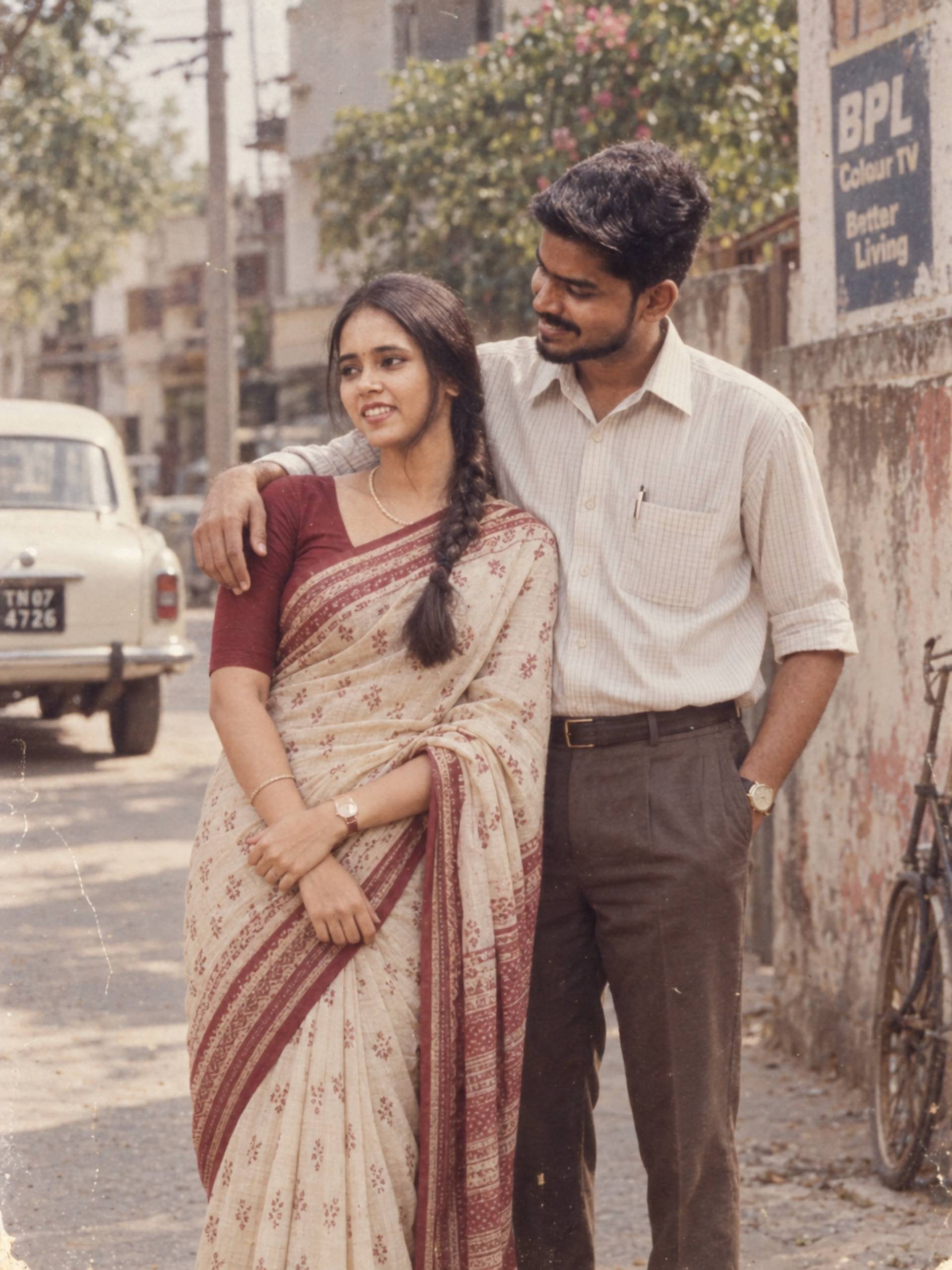
1. High-street studio couple portrait, 1985
Recreate us as a couple posing at a British high-street photography studio in 1985. Preserve both our faces exactly, including our natural height difference. Dress us in smart, complementary period outfits, standing close together against a plain studio backdrop with soft frontal lighting. Use gentle film grain and warm colour tone, keeping both faces equally sharp and clearly matched to the original photo.
2. Rainy high street romance, 1986
Transform us into a romantic portrait on a quiet British high street after rain in 1986. Keep both faces accurately recognisable and preserve our natural height and build. Dress us in complementary period outfits, with warm shop-window light and subtle pavement reflections. Keep the pose affectionate and natural rather than posed, without idealising either of our features.
3. Road trip couple, 1985
Recreate us as travellers on a road trip in 1985, standing beside a classic car with a paper map and compact film camera. Preserve both our identities and our relative heights precisely. Style us in denim and cotton with period sunglasses. Use warm late-afternoon light and slightly faded holiday-film colours, keeping both faces distinct from one another.
4. Anniversary dinner portrait, 1987
Create a warm portrait of us at a dinner table as though celebrating an anniversary in 1987. Preserve both our faces and natural ages. Dress us smartly for the evening, with candlelight, a simple table setting, and a period restaurant interior in the background. Keep both faces clearly matched to the original photo, with no blending of features between us.
✓ Family Studio Prompts
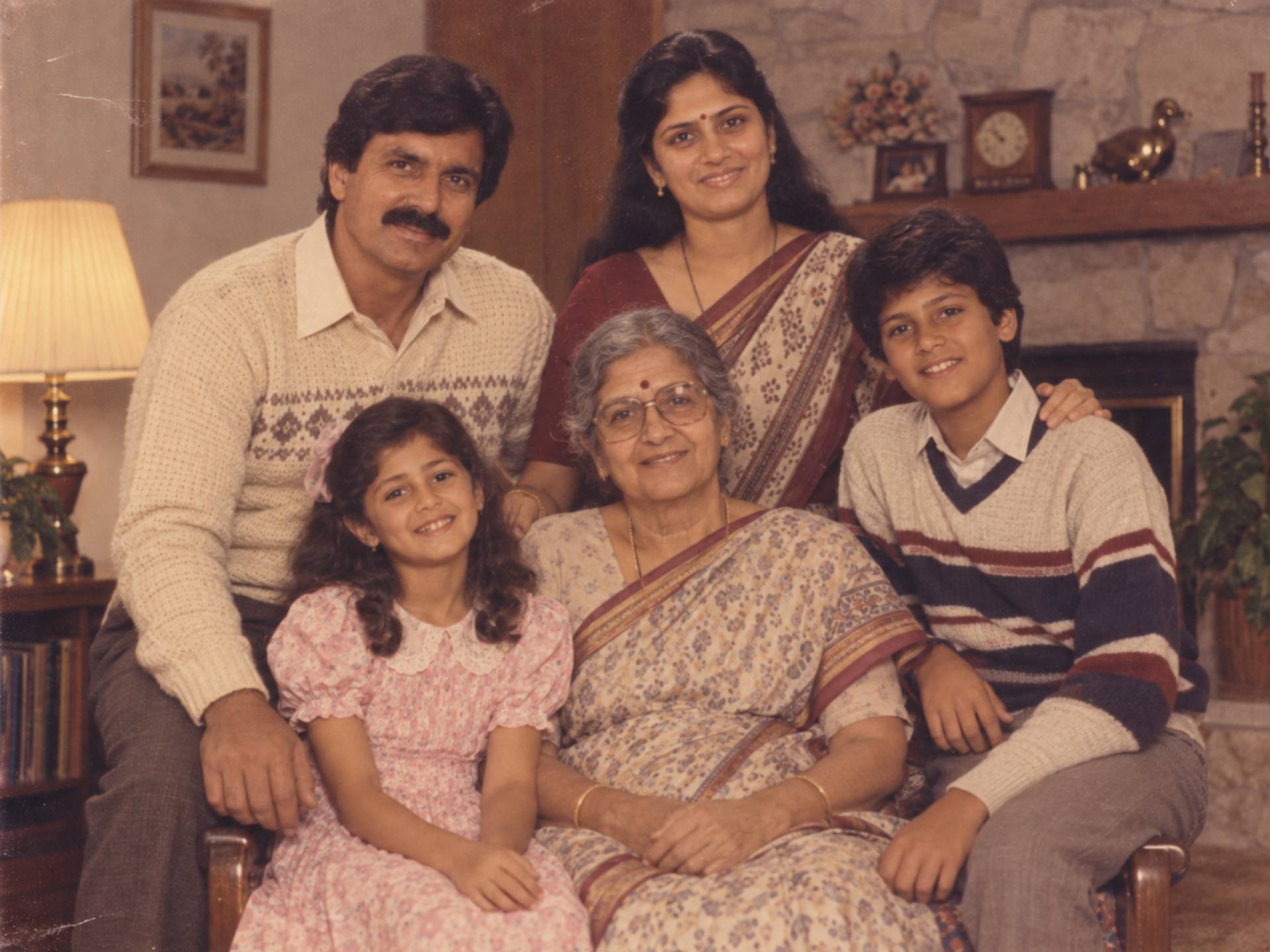
1. Classic family studio portrait, 1984
Recreate our family group posing together at a high-street photography studio in 1984. Preserve every individual face, age and relationship exactly as in the original photo — do not blend or swap any features between family members. Use smart, coordinated period clothing, a plain painted backdrop and soft frontal lighting, with the warm tone of an authentic period colour print.
2. Three-generation family portrait, 1986
Create a portrait of three generations of our family together in 1986. Preserve each person’s individual face, and keep the age differences between grandparent, parent and child clearly visible — do not smooth out wrinkles on the oldest family member or age up the youngest. Use a plain studio backdrop, soft lighting, and coordinated but not identical period outfits.
3. Living room family photo, 1987
Transform our family group into a relaxed photograph in a period living room in 1987. Preserve every face, age and relationship precisely. Include patterned wallpaper, a boxy television and a cassette deck in the background. Use direct camera flash for an authentic snapshot feel, and make sure each family member’s face is individually matched to the original — no shared or averaged features between siblings.
4. Outdoor family portrait, 1985
Recreate our family group outdoors in a garden or park setting in 1985. Preserve every individual’s face, height and age exactly. Dress everyone in coordinated but natural period clothing. Use natural daylight and a relaxed, slightly candid pose, keeping every face distinct and clearly recognisable as the specific person from the uploaded photo.
✓ Friends and Party Prompts
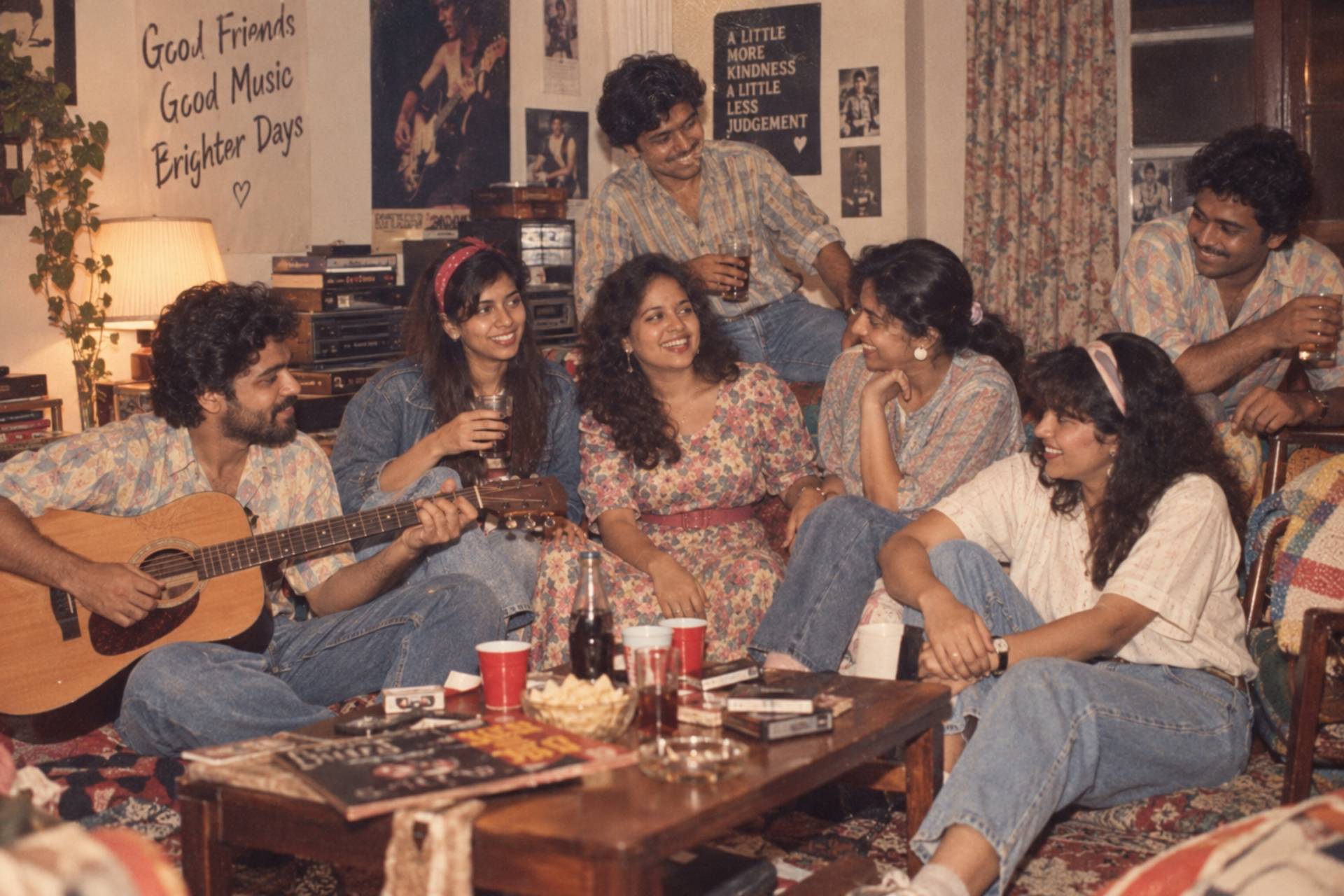
1. House party with friends, 1988
Turn this group photo into a candid house party scene from 1988. Keep every person individually recognisable — do not merge or swap any faces, even where people have similar colouring or hairstyles. Add varied but coordinated period outfits, natural period hairstyles, paper cups and simple coloured decorations. Use direct flash and slightly uneven exposure for a spontaneous, unstaged feel.
2. Record shop friends, 1984
Recreate this group of friends browsing an independent record shop in 1984. Preserve each person’s face and identity individually. Dress everyone in denim, band T-shirts without real logos, and period hairstyles appropriate to each person. Use warm shop lighting and a shallow depth of field, keeping every face sharp and clearly matched to its owner in the original photo.
3. Seaside day out with friends, 1986
Turn this photo into a seaside day out with friends at a British resort in 1986. Preserve every face and body proportion accurately. Add knitted jumpers or light macs, deckchairs, and a pier in the background. Keep each person’s face individually distinct — particularly where two friends have a similar build or hair colour in the original photo.
4. Arcade night with friends, 1987
Recreate this group at a seaside amusement arcade at night in 1987. Preserve every individual face and build. Dress the group in varsity-style jackets, T-shirts and period trainers, positioned beside glowing arcade cabinets. Use mixed neon and fluorescent lighting, and make sure no two people’s faces have blended or swapped positions from the original photo.
✓ Wedding and Anniversary Prompts
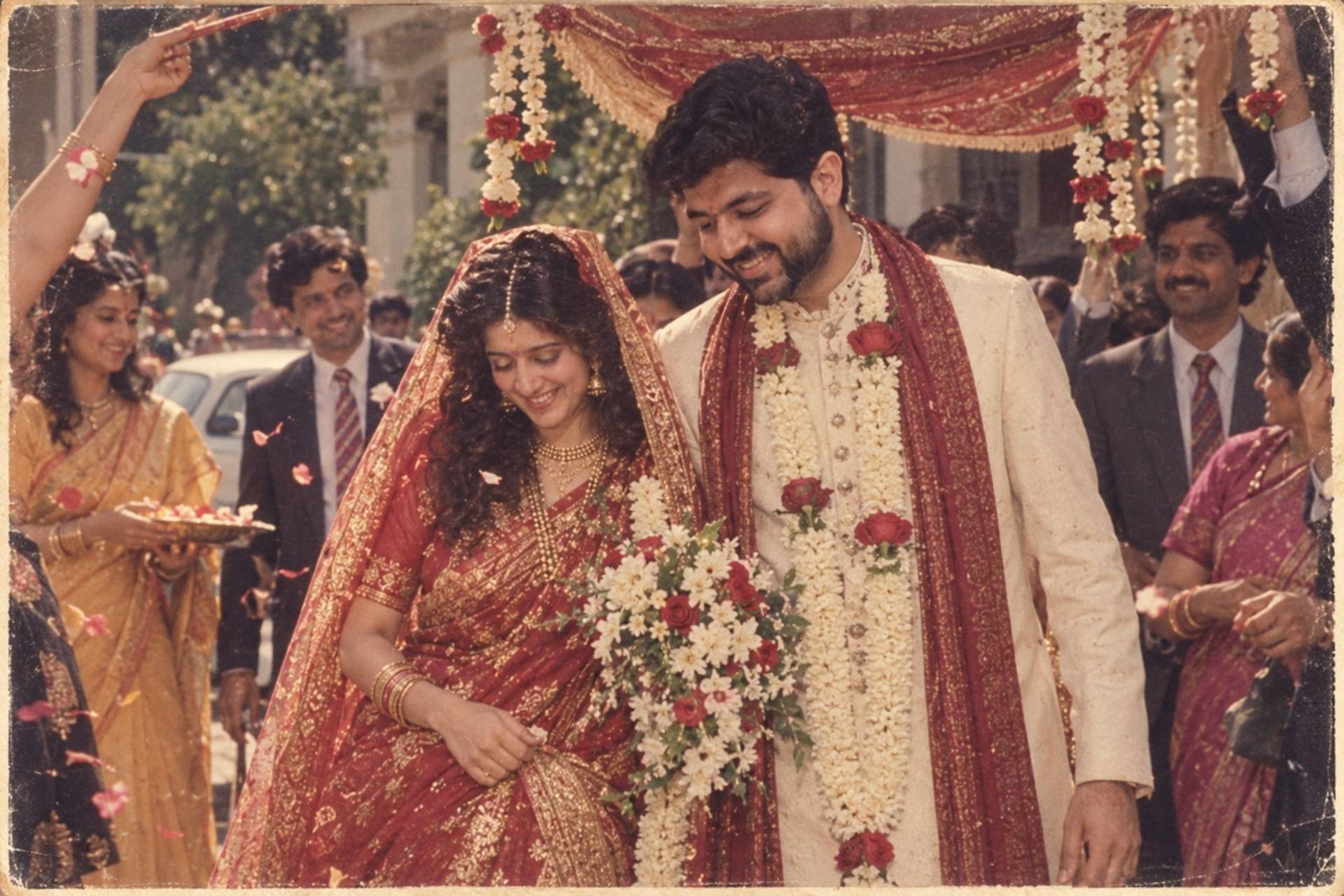
1. Formal wedding portrait, 1985
Transform this couple’s photo into a formal British wedding portrait from 1985. Preserve both faces accurately and keep their natural height difference. Use period-appropriate wedding attire — puffed sleeves and a modest veil for the bride, a slim-lapel suit for the groom — posed traditionally outside a church or registry office. Use soft natural daylight and the faded warmth of a well-kept wedding album print.
2. Wedding party group portrait, 1986
Recreate this wedding party group as though photographed outside the venue in 1986. Preserve every individual’s face, age and role in the group — do not blend features between any two members of the wedding party, even where outfits are similar. Use natural daylight, coordinated period formalwear, and a traditional posed group arrangement.
3. Golden anniversary portrait, 1988
Create a warm portrait of this couple marking a wedding anniversary, styled as though the photo were taken in 1988. Preserve both faces and their natural ages — do not smooth wrinkles or de-age either person. Dress them smartly for the occasion, with a simple period living room or garden setting in the background, and soft, flattering natural light.
4. Confetti exit shot, 1987
Recreate this couple leaving their wedding venue through a shower of confetti in 1987. Preserve both faces clearly despite the movement in the scene. Use period wedding attire, natural daylight, and a joyful, slightly candid composition. Keep both faces sharp and correctly matched to the original photo even with confetti and motion in the frame.
✓ Parent-and-Child Prompts
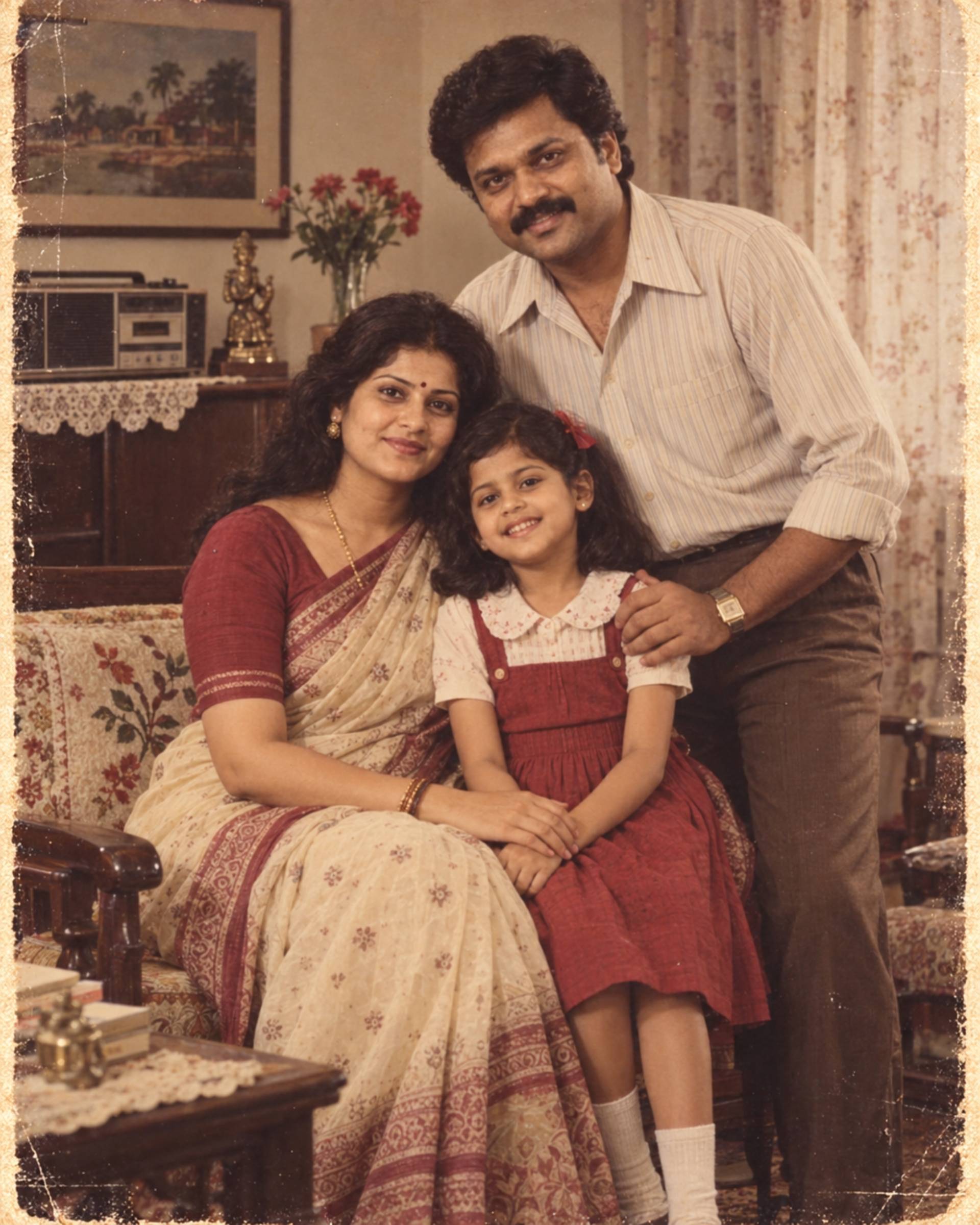
1. Parent and baby studio portrait, 1985
Recreate this parent and baby posing together at a photography studio in 1985. Preserve both faces exactly, keeping the baby’s proportions and features age-appropriate and natural — do not age up the baby’s face. Use a plain studio backdrop, soft frontal lighting, and simple period clothing for the parent.
2. Parent and older child portrait, 1986
Create a portrait of this parent and child together in 1986. Preserve both individual faces and their age difference clearly — the child should look their actual age, not younger or older. Dress both in coordinated but not identical period outfits, using a plain backdrop and soft lighting.
2. Piggyback or park portrait, 1987
Recreate this parent and child photo as a playful outdoor scene in a park in 1987. Preserve both faces and body proportions accurately. Use natural daylight and simple period clothing, keeping the child’s face clearly age-appropriate and distinct from the parent’s, with no shared or blended features.
3. Multi-child family portrait, 1985
Recreate this parent with multiple children posing together in 1985. Preserve every child’s individual face and age difference — siblings should not share or blend facial features, even where they look alike in real life. Use a plain studio backdrop, soft lighting, and coordinated period clothing for the whole group.
Group Correction Commands
When something in a group photo goes wrong, correcting it works best as a targeted instruction naming exactly who and what needs fixing, rather than a general “make it better” request.
When two people’s faces have blended:
Separate the faces of [name/position of person 1] and [name/position of person 2] — they currently share blended features. Restore each person’s individual face to match their appearance in the original uploaded photo. Leave everyone else in the group unchanged.
When someone’s face has been replaced with a generic one:
The person [describe position, e.g. “on the far right”] no longer matches their face in the original photo. Restore their specific facial features, especially their eyes, nose and smile, from the uploaded reference. Keep the rest of the group unchanged.
When ages have drifted:
Correct the ages in this image so that [name/position] looks their real age as shown in the original photo — do not age them up or down. Leave the pose, clothing and background unchanged.
When someone has been dropped from the group:
Add back the person who is missing from this image — [describe them from the original photo] — in the position they occupied in the uploaded photo. Match their face exactly to the original and keep everyone else unchanged.
When heights or proportions look wrong relative to each other:
Adjust the relative heights and proportions in this image so they match the original photo — [name/position] should be taller/shorter than [name/position]. Keep all faces and the rest of the composition unchanged.
Privacy and Consent Considerations
Group photos raise the personal-data question more sharply than solo ones, simply because more people’s faces are involved, and not everyone in the photo necessarily gets a say by default.
Get everyone’s agreement before uploading a group photo, not just the person doing the uploading — a sibling, a friend, or a partner might reasonably feel differently about their AI-generated likeness circulating than you do about yours. This matters even more before you post the result anywhere public, since that’s a separate decision from generating it in the first place.
Take particular care with photos of children. Consider generating a version without a child’s face fully identifiable, or simply not including children in a photo intended for public posting, especially if you don’t have a parent’s explicit go-ahead for that specific use.
Wedding and family group photos often include people who are no longer in regular contact with everyone else in the photo — an ex-partner’s family member, a estranged relative. It’s worth a moment’s thought about whether everyone still pictured together would be comfortable with a new, AI-altered version of that photo existing and circulating, separate from whether the original photo was fine to have taken at the time.
Finally, if you’re posting a group result publicly, a brief caption noting it’s AI-generated is a small courtesy to anyone in the photo who might not want to be mistaken for having sat for a genuine period photoshoot.
Frequently Asked Questions
1. How many people can realistically be in one of these prompts?
Two to four people gives the most reliable results. Five or six is workable but expect more correction rounds. Beyond seven or eight, most tools start losing track of individual faces regardless of how carefully the prompt is written.
2. Why does my toddler keep coming out looking like a small adult?
This is a common failure with young children specifically — ask explicitly for “age-appropriate proportions” and “a natural child’s face, not an aged-up or miniaturised adult face” in the prompt.
3. Is it better to fix a group photo in one big correction or several small ones?
Several small, specific corrections — one person or one issue at a time — consistently work better than one large correction covering multiple people, for the same reason a big original prompt is harder to get right than a focused one.
4. Do I need consent from everyone in an old family photo, even if some people have passed away?
There’s no single right answer here, but it’s worth applying the same care you would to sharing the original photo — if you’d think twice about posting the real photo of a specific person, apply the same thinking to an AI-altered version of them.
5. What’s the single biggest improvement I can make to a group prompt?
Naming people individually by position and one distinguishing feature each, rather than referring to “the group” as a single instruction. It’s a small change in wording that consistently produces the biggest jump in accuracy.
Final Thought
Creating convincing 1980s AI photos for couples, families and friends requires more than adding a retro filter. Each person, relationship and visual detail should be described clearly so the image feels natural, personal and true to the decade. Start with a strong scene, define clothing and poses, then add period-accurate lighting, film grain and colour effects. If faces, hands or backgrounds need improvement, refine them through small, focused edits instead of changing the entire prompt. With patience and thoughtful direction, an AI tool can transform ordinary memories and creative ideas into warm, nostalgic portraits that capture the character of the 1980s.