

No-code app builders now cover everything from simple internal tools to customer portals, SaaS products and native mobile apps. However, the right platform depends heavily on what you want to build.
Bubble is particularly strong for complex full-stack applications, FlutterFlow suits mobile projects where source-code access matters, Glide and Softr simplify business apps, while AppSheet and Power Apps are built around organisational workflows and data. WeWeb offers greater backend freedom, while Adalo provides a comparatively straightforward route to native mobile publishing.
This comparison is based primarily on current product documentation, pricing information and publicly available editorial research rather than claimed hands-on testing.
Quick Answer
- Best for complex full-stack apps: Bubble
- Best for native mobile apps with code export: FlutterFlow
- Best for quick internal business apps: Glide
- Best for portals and non-technical teams: Softr
- Best for flexible web frontends: WeWeb
- Best for straightforward native mobile apps: Adalo
- Best for data-driven Google Workspace apps: AppSheet
- Best for Microsoft-focused organisations: Power Apps
There is no single best no-code app builder for every project. The key is matching the platform to your app type, required integrations, technical control, budget and long-term portability.
Best No-Code App Builders at a Glance
| Platform | Best For | App Type | Coding Required? | Free Option | Starting Paid Price* |
|---|---|---|---|---|---|
| Bubble | Complex full-stack apps | Web + native mobile | No for core building | Yes | $59/month annually |
| FlutterFlow | Mobile development | Mobile, web, desktop | Mostly no-code/low-code | Yes | $39/month |
| Glide | Internal business tools | PWA/web apps | No | Build/test free | $19/month annually |
| Softr | Portals and business apps | Web/PWA | No | Yes | $19/month annually |
| WeWeb | Flexible web frontends | Web apps | No-code with developer options | Yes | From $20/seat/month |
| Adalo | Simple native apps | iOS, Android, web | No | Yes | $36/month annually |
| AppSheet | Data-driven business apps | Web/mobile business apps | No | Prototype testing | $5/user/month |
| Power Apps | Enterprise workflows | Business applications | Low-code | Developer plan | $20/user/month |
*Prices are indicative starting prices researched in October 2026. Billing periods, regional pricing, user limits and usage allowances can materially change the total cost.
Bubble’s Starter Web + Mobile plan is currently $59 per month when billed annually. FlutterFlow lists Basic at $39 per month, while Adalo’s annually billed Starter plan is $36 per month. AppSheet starts at $5 per user per month.
How We Selected the Best No-Code App Builders
The platforms were selected through editorial research rather than a claimed laboratory-style ranking. The comparison considered what applications each platform can realistically create, ease of use, database functionality, workflow automation, APIs, integrations, native mobile capabilities, web development, AI-assisted building and deployment options.
Pricing structure, free access, scalability and portability also matter. A platform that makes an MVP easy to build may become expensive or restrictive later, while a more technical visual development environment may provide greater flexibility.
Particular attention was therefore given to source-code export, app-store publishing, hosting restrictions and whether pricing depends on users or workload. These factors often become more important after an application starts growing.
1. Bubble — Best for Complex Full-Stack Applications
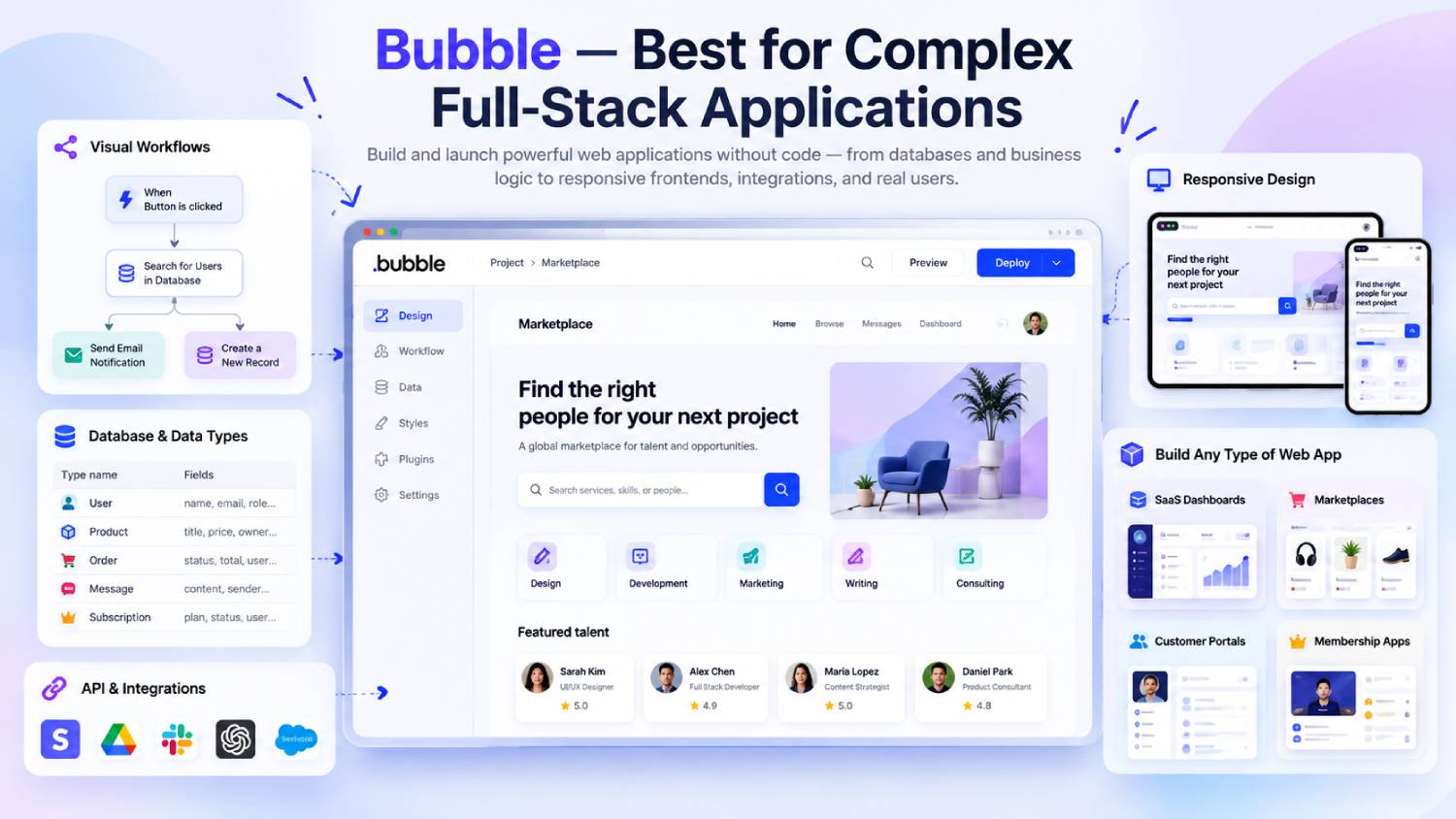
Bubble is one of the more capable visual development platforms for founders building SaaS products, marketplaces, membership applications and other workflow-heavy software.
Its visual editor combines interface design, database management, backend workflows, API connections and hosting. Bubble has also expanded beyond its traditional web-app focus: its current Web + Mobile plans support native iOS and Android development, with the mobile apps running on React Native. Bubble’s AI app generator can generate an initial interface, backend and logic from a description.
The main trade-off is complexity. Bubble gives users considerable control, but learning database relationships, responsive layouts and workflows takes time.
Pricing is also workload-based. The Starter Web + Mobile plan is currently $59 per month when billed annually and includes 175,000 monthly workload units. High-usage applications may require additional workload capacity.
Another important limitation is portability. Bubble states that applications run on its platform and cannot be exported as application source code, although user-created data can be exported.
2. FlutterFlow — Best for Native Mobile Apps With Code Export
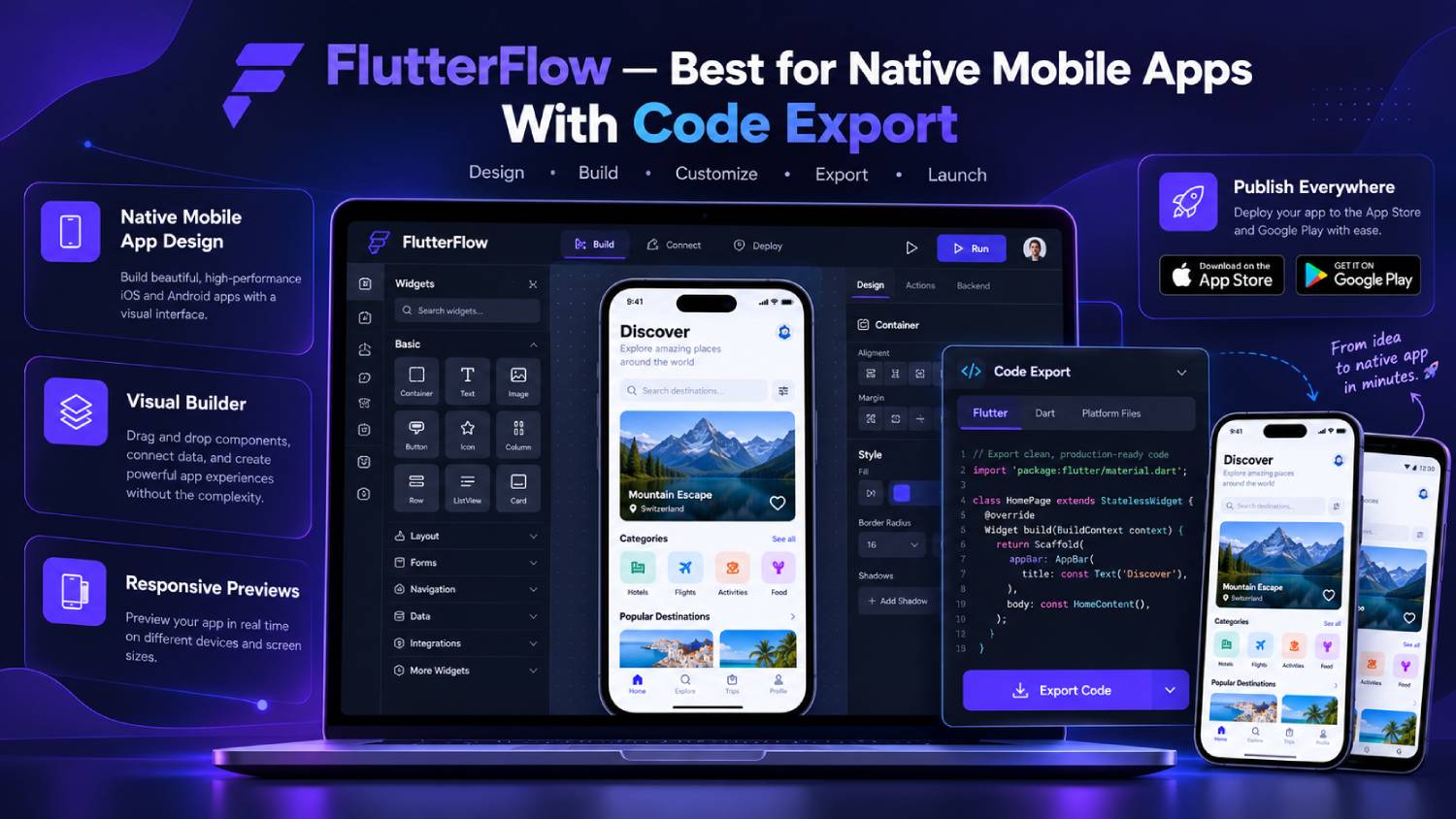
FlutterFlow is particularly attractive when mobile development and future code ownership are priorities.
It is a visual development environment built around Flutter and can produce mobile, web and desktop applications. Users can create interfaces visually, connect APIs and data services, add application logic and publish to app stores.
The Basic plan costs $39 per month and includes project source-code downloads, APK downloads, custom-domain web publishing and one-click app-store deployment. Higher tiers add features including GitHub integration, collaboration and branching.
Portability is one of FlutterFlow’s strongest differentiators. Its documentation states that exported projects contain normal Flutter application code and can run without FlutterFlow.
AI tools can generate pages and components from prompts, while its AI Agent functionality supports additional AI development workflows.
The trade-off is that advanced applications can move into low-code territory. Understanding APIs, databases, Firebase or Supabase, application state and occasionally custom code can become important.
3. Glide — Best for Fast Internal Business Applications
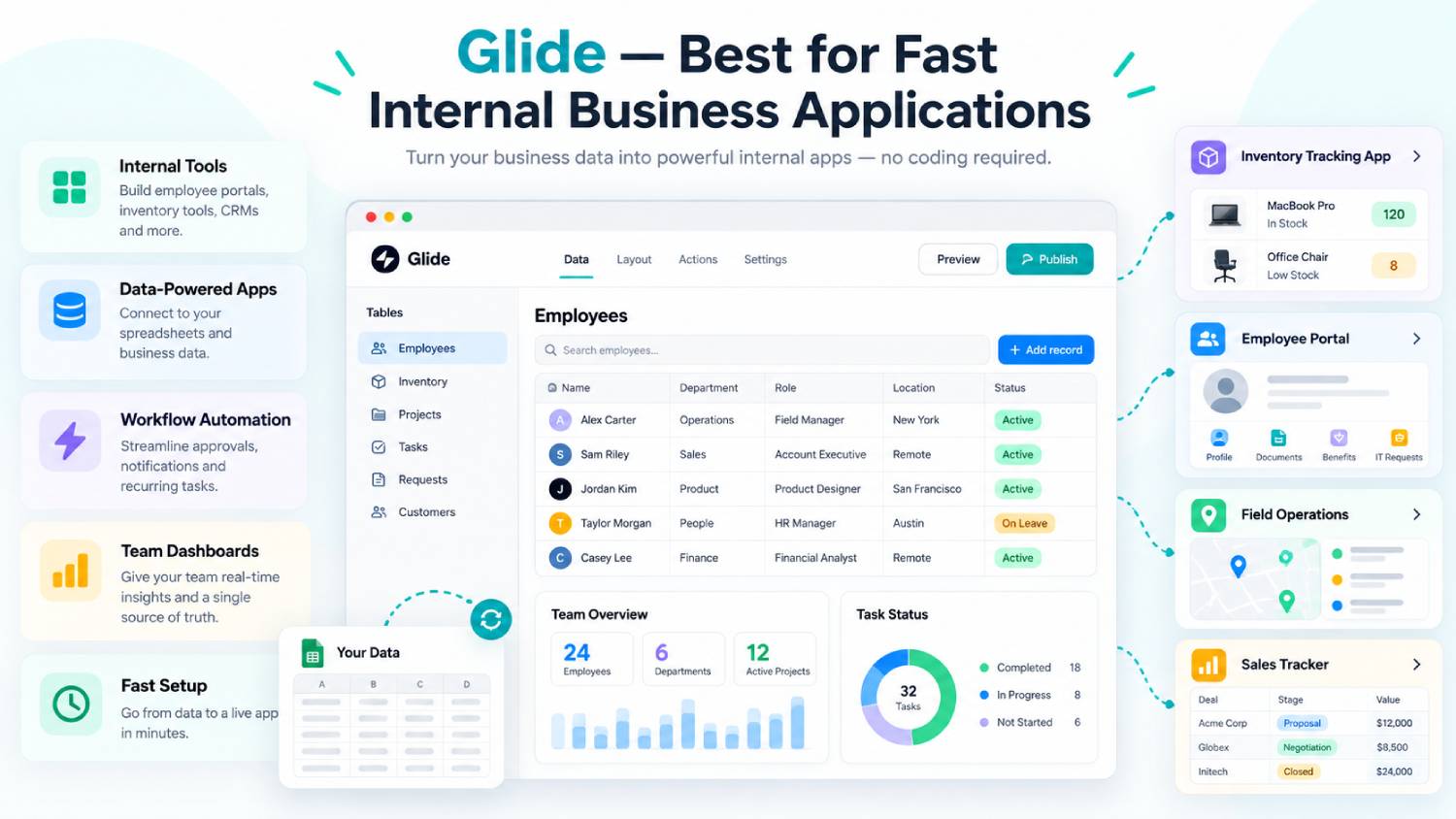
Glide is designed around turning structured business data into practical software without requiring traditional development.
It works particularly well for inventory systems, operational dashboards, field applications, lightweight CRMs and internal workflows. Glide includes its own tables, workflow features, integrations and AI functions that can generate, classify or transform text using application data.
The platform is relatively approachable, making it useful when business teams need to build software without employing a development team.
Its free tier is mainly for learning and testing. The Explorer plan costs $19 per month when billed annually and includes one published app, while the Business plan is currently $199 per month annually and adds work-email users, API capabilities, external data sources and higher allowances.
The biggest limitation is mobile distribution. Glide uses Progressive Web App technology and does not support conventional publishing to Apple’s App Store or Google Play.
4. Softr — Best for Portals and Non-Technical Business Teams
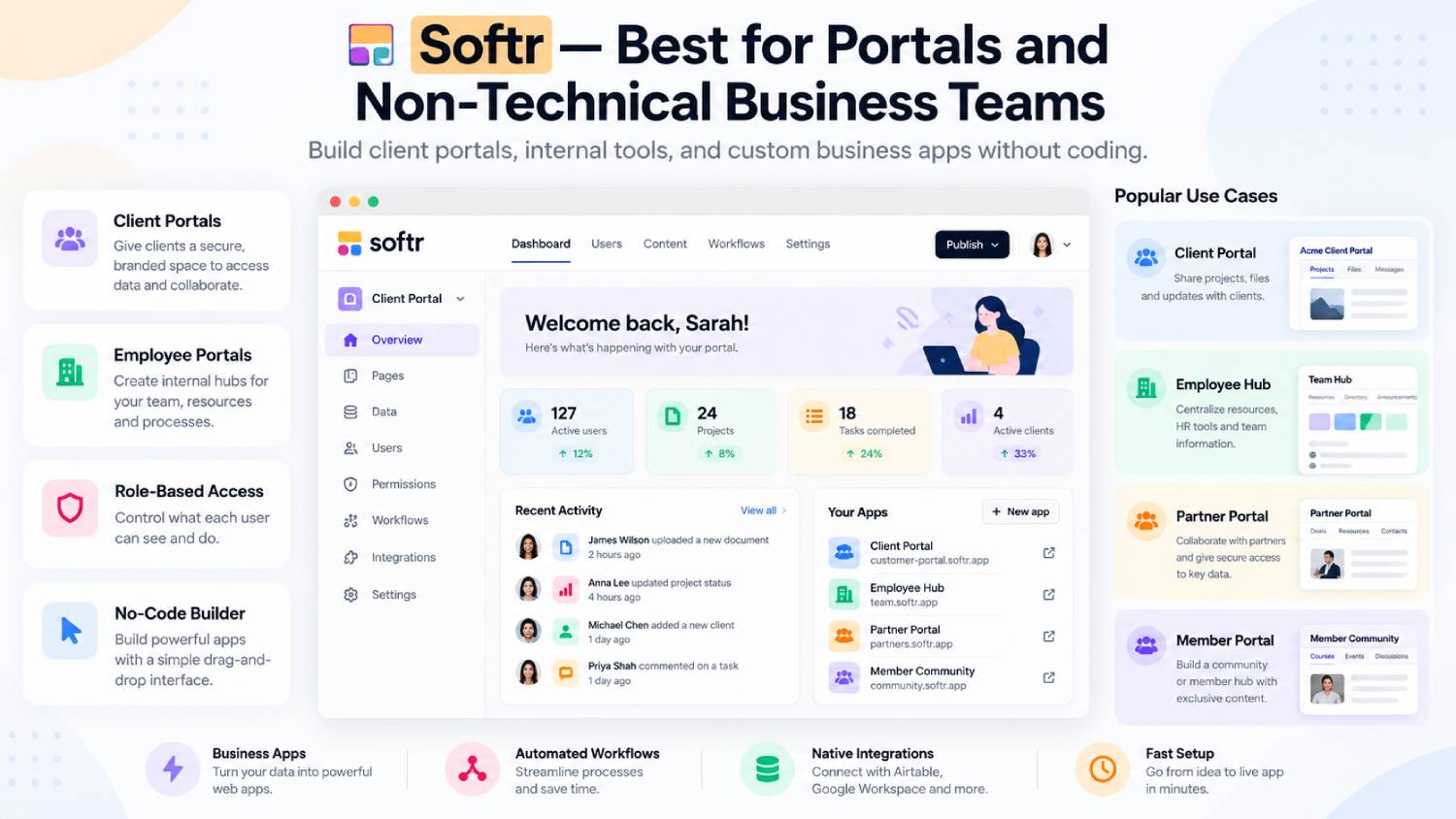
Softr is particularly well suited to client portals, employee portals, CRMs, inventory applications, directories and internal operational tools.
Its strength is accessibility. Users can combine visual building, databases, permissions, integrations and workflows without managing a traditional development stack. Its AI Co-Builder can create an initial database, application structure and business logic from a written description.
The current Free plan supports up to five app users and 5,000 database records. Paid plans start at $19 per month when billed annually, while higher plans expand user allowances, records, integrations and workflow functionality.
Softr is especially useful where controlled access to business information matters, including customer, partner or vendor portals.
Its limitation is that it is not primarily a native mobile development platform. Softr applications can work as Progressive Web Apps, but teams needing conventional App Store and Google Play native distribution should consider alternatives such as FlutterFlow or Adalo.
5. WeWeb — Best for Flexible Web Apps With a Separate Backend
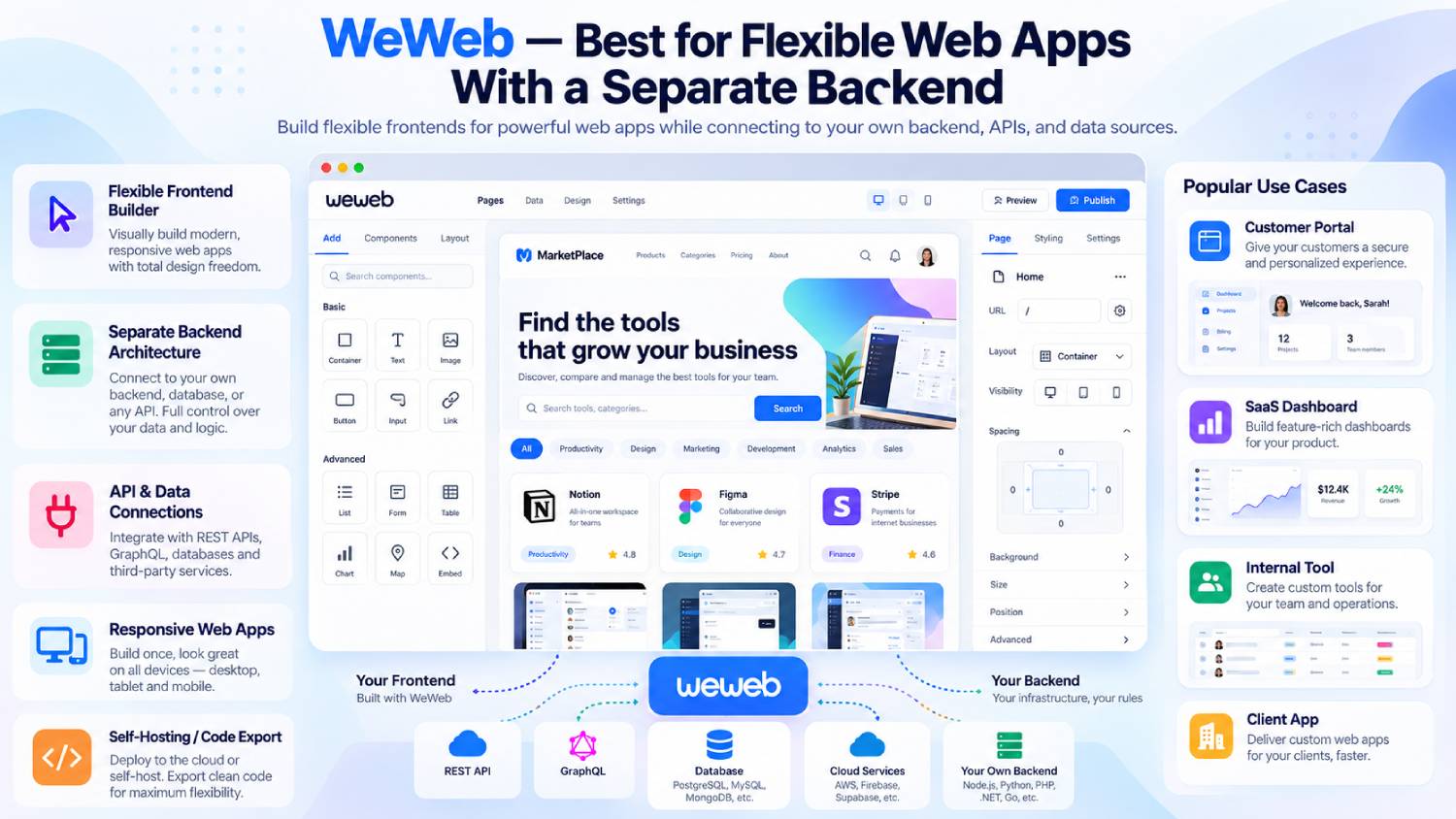
WeWeb takes a different approach from all-in-one platforms. It is primarily a no-code frontend builder designed to work with external backend systems.
That makes it attractive to startups and technical teams that want visual frontend development without tying the entire application architecture to one vendor. WeWeb can connect with services such as Supabase, Xano and other data or API sources, while workflows and AI tools help create application behaviour.
Paid pricing currently starts at $20 per builder seat per month. WeWeb says paid plans include Vue.js code export, self-hosting and unlimited end users.
Exported interfaces can be hosted on services including AWS, Azure, Cloudflare, Netlify and other infrastructure.
The trade-off is architectural complexity. Because WeWeb focuses primarily on the frontend, teams may also need to choose, configure and pay for a backend, authentication, database and related infrastructure.
6. Adalo — Best for Straightforward Native Mobile Applications
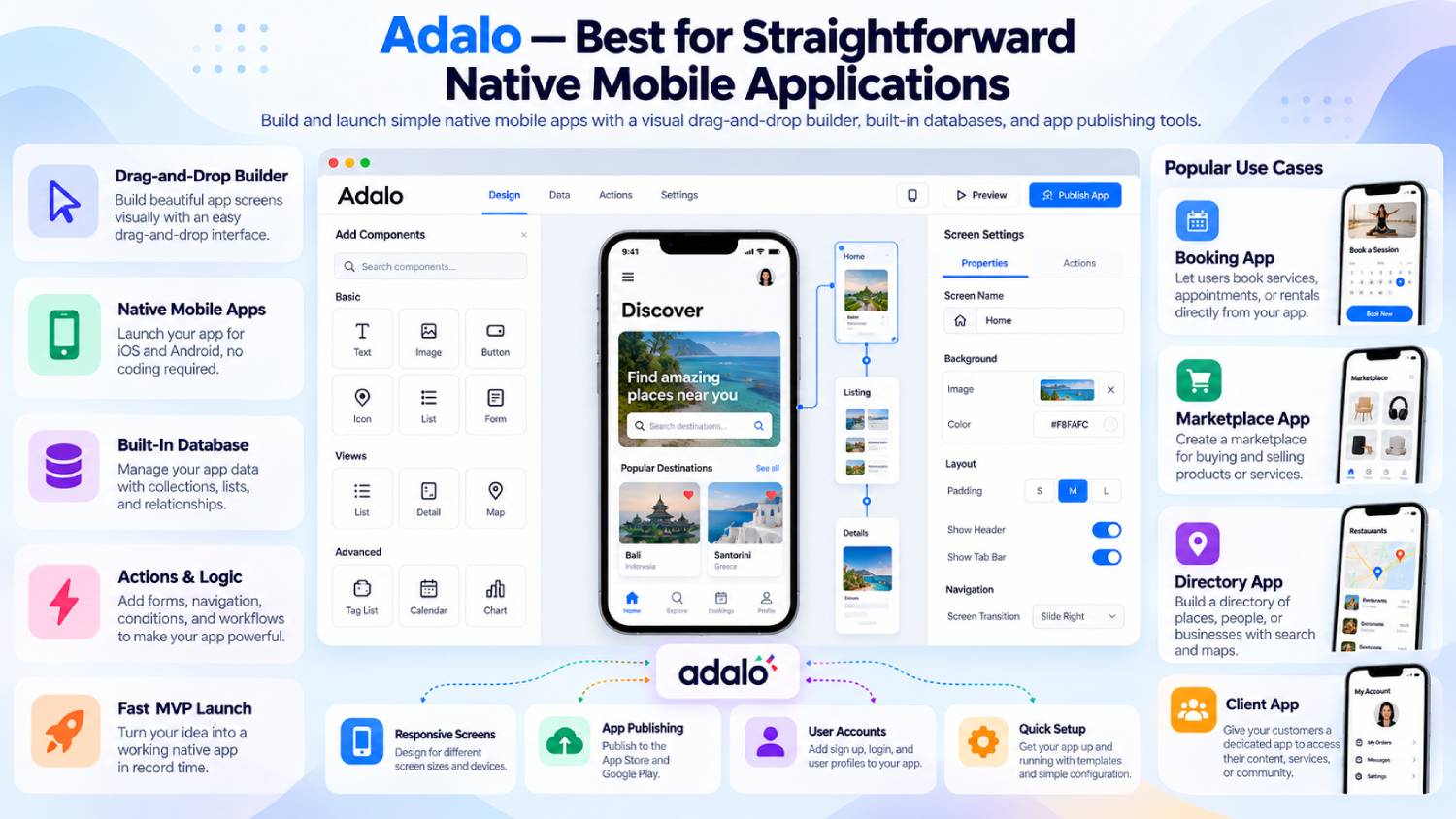
Adalo provides a more approachable route to building database-driven web and native mobile applications.
Its drag-and-drop canvas allows non-developers to build screens, connect data and create application actions without writing traditional code. The same project can be used for web, iOS and Android distribution.
Adalo’s free plan allows users to build and test apps with up to 500 records per application. Its Starter plan is currently $36 per month when billed annually and supports one published app, custom domains and automated publishing to Apple’s App Store and Google Play.
Ada, the platform’s AI assistant, can also generate and modify parts of an application from prompts.
Adalo works particularly well for comparatively straightforward consumer or business apps. More complicated products requiring extensive custom logic, sophisticated development workflows or deep source-level control may be better suited to FlutterFlow or another low-code environment.
7. Google AppSheet — Best for Database-Driven Business Apps
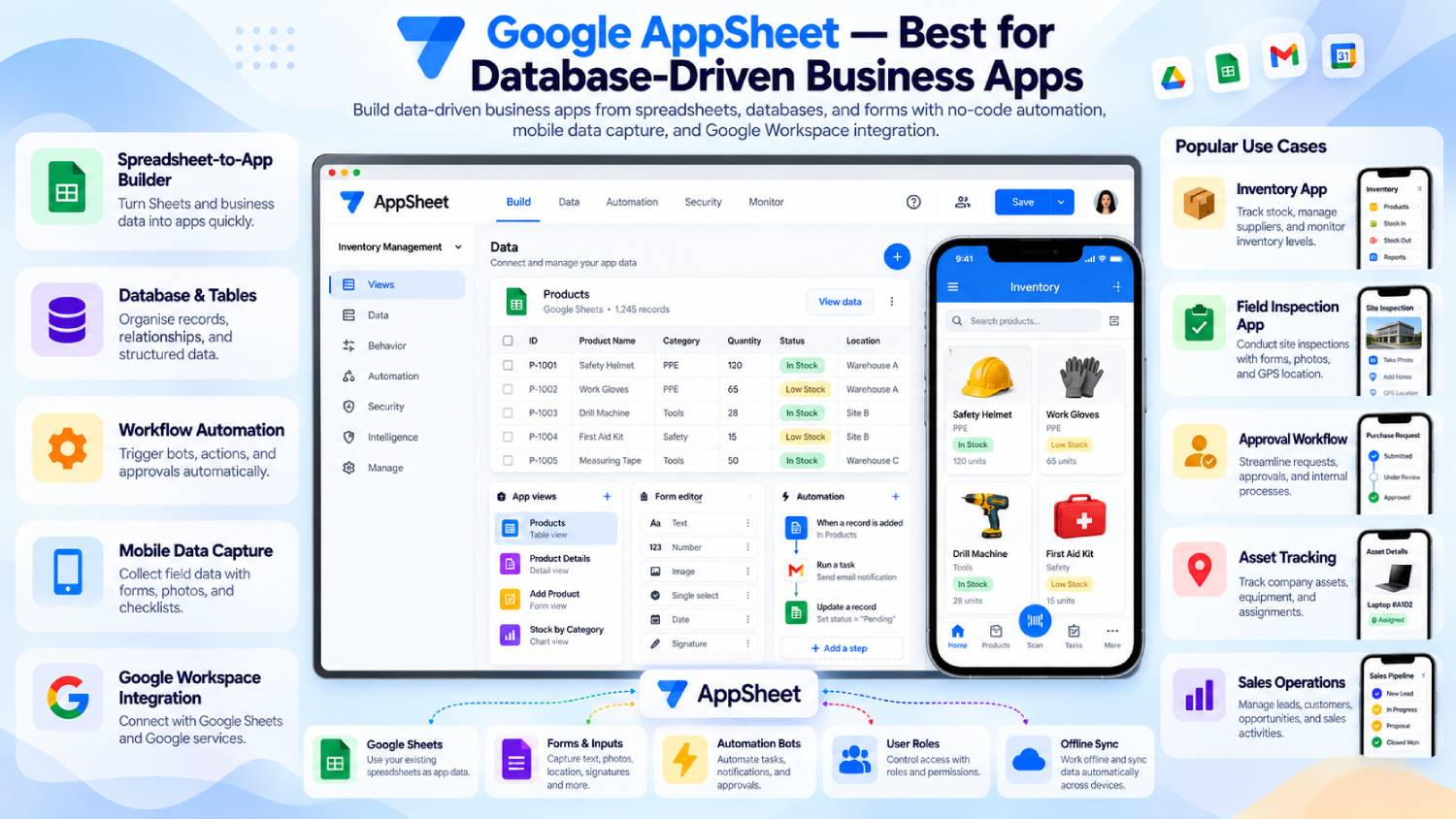
Google AppSheet is aimed squarely at business applications and workflow automation rather than highly customised consumer software.
It can build apps from sources such as Google Sheets, Microsoft Excel and databases, making it useful for inspections, field data collection, inventory management, approvals and operational processes.
Gemini in AppSheet can create an application from a natural-language description, while AppSheet also provides a native database and automation capabilities.
Users can develop and test prototypes with up to 10 users at no cost. Starter currently costs $5 per user per month, Core costs $10 and Enterprise Plus costs $20.
The main consideration is design freedom. AppSheet prioritises structured business processes and data interaction rather than highly customised consumer interfaces. Per-user pricing can also become significant when an application is rolled out to a large workforce.
8. Microsoft Power Apps — Best for Microsoft-Focused Organisations
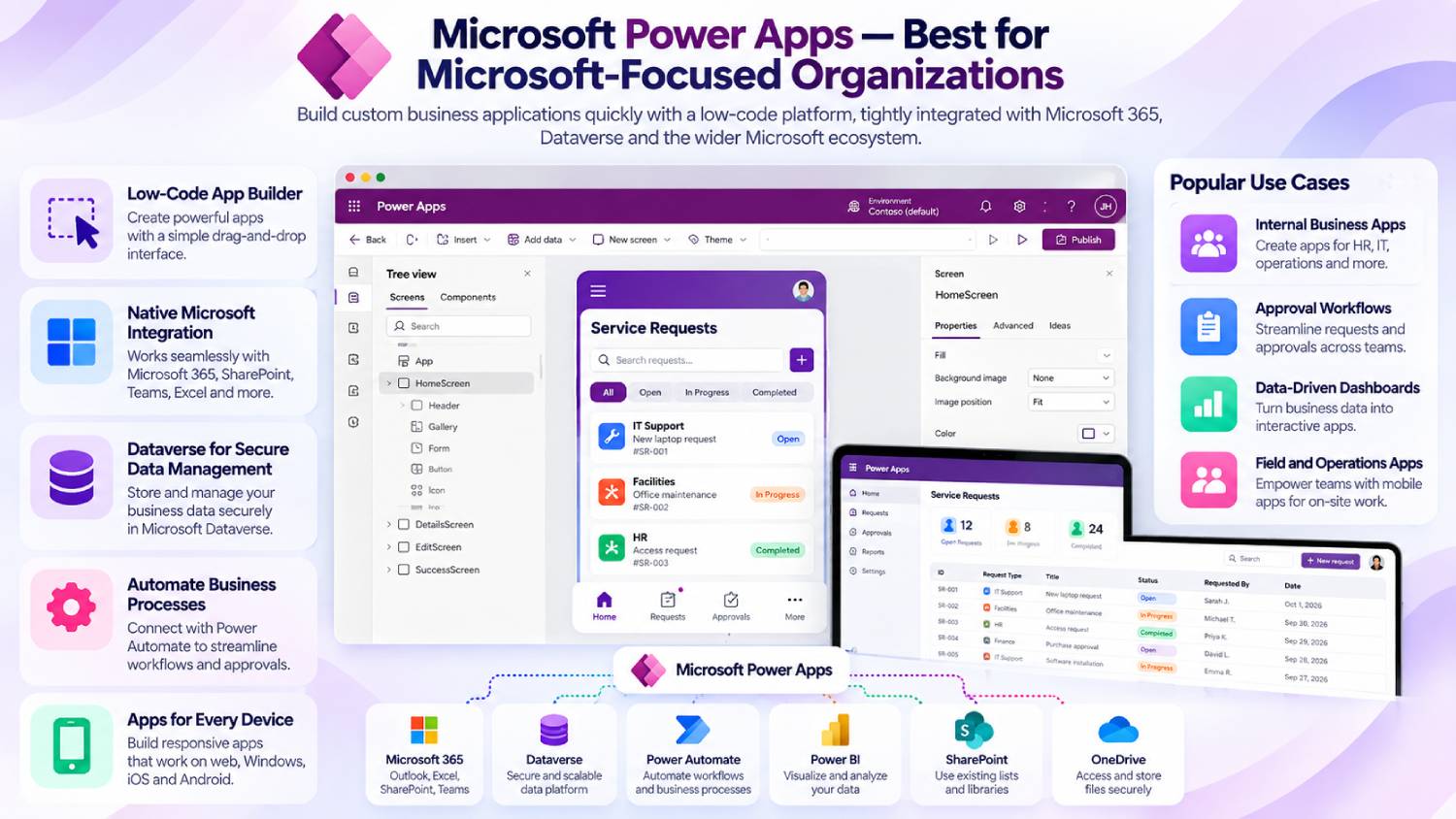
Power Apps is better classified as a low-code platform than a pure no-code builder, but it deserves inclusion because of its capabilities for enterprise application development.
Its strongest position is inside organisations already using Microsoft 365, Dataverse, Azure, Dynamics 365 and other Microsoft services. It supports prebuilt, custom and on-premises connectors, automation and enterprise data workflows.
Microsoft’s free Developer Plan allows users to build and test applications, while Power Apps Premium currently costs $20 per user per month when paid yearly. Microsoft has announced that this will rise to $22 from 1 January 2027.
Copilot can also use natural-language instructions to help create applications and data models.
Power Apps can be extremely capable for organisational software, but licensing, Dataverse and the wider Power Platform ecosystem can make it more complicated than beginner-focused no-code products.
Which No-Code App Builder Is Best for Different Projects?
| If You Want to Build… | Platform to Consider | Why |
|---|---|---|
| Complex SaaS product | Bubble | Full-stack visual workflows, database and backend |
| Native mobile application | FlutterFlow | Flutter output, app-store deployment and code export |
| Fast internal tool | Glide | Strong data-driven business app workflow |
| Client or partner portal | Softr | Permissions, databases and portal-focused features |
| Flexible web SaaS frontend | WeWeb | External backend support and frontend code export |
| Simple mobile MVP | Adalo | Visual native app creation and straightforward publishing |
| Spreadsheet-driven business app | AppSheet | Strong Google and structured-data workflows |
| Enterprise Microsoft workflow | Power Apps | Dataverse, Microsoft integrations and governance |
Web Apps vs Mobile Apps
Not every “app builder” produces the same type of application.
Bubble now supports both web and native mobile applications. FlutterFlow and Adalo are strong choices where conventional iOS and Android distribution matters. Glide and Softr are more naturally suited to browser-based or PWA experiences.
AppSheet and Power Apps focus heavily on business applications rather than consumer app-store products, while WeWeb specialises in web application frontends.
This distinction should be decided before comparing templates or AI features. A visually impressive platform is of little use if its deployment model does not match the product you intend to release.
Ease of Use vs Flexibility
Ease of use and technical freedom rarely increase together.
Softr, Glide and Adalo reduce the amount of technical knowledge required to create useful applications. That can dramatically shorten development time for relatively straightforward projects.
Bubble, FlutterFlow and WeWeb allow deeper application design and logic, but users generally need to understand databases, APIs, authentication, state and application architecture more thoroughly.
The right question is therefore not simply, “Which platform is easiest?” It is, “Which platform is easy enough without restricting what this project will need later?”
Ownership, Export and Vendor Lock-In
Portability deserves attention before a business becomes dependent on a platform.
FlutterFlow allows users on appropriate plans to download standard Flutter project code, while WeWeb allows paid users to export their Vue.js frontend and self-host it.
Bubble takes a different approach. Its documentation explicitly states that applications run on Bubble and cannot be exported as application code, although application data can be exported.
For any platform, check what can actually be exported, whether the database is portable, what happens when a subscription ends and how much rebuilding would be necessary if you later migrate.
How to Choose the Right No-Code App Builder
Start with the type of product you intend to launch.
A customer-facing SaaS platform needs different capabilities from an employee inspection app. Likewise, a native iPhone application has different technical requirements from an internal dashboard.
Next, define the application’s likely complexity. Consider authentication, user roles, payments, database relationships, workflows, APIs and third-party integrations. Selecting a very simple builder for a product that will soon require complex logic can create expensive rebuilding work.
Portability also matters. If owning or self-hosting application code is a requirement, investigate this before building. FlutterFlow and WeWeb offer substantially different portability models from fully hosted platforms.
Pricing should be evaluated at expected future usage, not merely at launch. Workload-based, update-based and per-user pricing can produce very different costs as an application grows.
Finally, verify essential integrations. If the project depends on Stripe, Supabase, Google Sheets, Microsoft 365, an external database or a particular API, confirm the required functionality on the plan you actually intend to purchase.
No-Code vs Low-Code: What Is the Difference?
No-code platforms are designed to let users create software mainly through visual interfaces, configurations and workflows without traditional programming.
Low-code platforms use many of the same visual techniques but provide or sometimes require coding for more advanced functionality.
The boundary is increasingly blurred. FlutterFlow, WeWeb and Power Apps provide visual development while also exposing more technical capabilities. Bubble can be extended through APIs and JavaScript-related integrations even though its core building model is no-code.
The practical distinction is therefore less about labels and more about how much technical knowledge your particular application will require.
Frequently Asked Questions
What is the best no-code app builder for beginners?
Softr, Glide and Adalo are among the more approachable options for people without development experience. The best choice depends on the application: Softr works particularly well for portals and business software, Glide for data-driven tools and Adalo for relatively straightforward mobile applications.
Can you build a professional app without coding?
Yes. Modern no-code platforms can support authentication, databases, workflows, payments, APIs and user permissions. However, application complexity still matters. Advanced integrations, highly specialised logic or unusual technical requirements may eventually require low-code features or help from a developer.
Can no-code apps be published to the Apple App Store and Google Play?
Some can. FlutterFlow, Adalo and Bubble support native mobile deployment workflows. Glide, by contrast, uses Progressive Web App technology and states that Glide apps are not published through the conventional Apple App Store or Google Play model.
Can you export source code from a no-code app builder?
It depends on the platform. FlutterFlow provides downloadable Flutter source code on paid plans, while WeWeb allows paid users to export its Vue.js frontend for self-hosting. Bubble explicitly states that its applications cannot be exported as application source code.
Final Thoughts
The best no-code app builder in 2026 depends on the application rather than the popularity of the platform.
Bubble offers considerable full-stack flexibility, while FlutterFlow stands out when mobile development and source-code portability matter. Glide, Softr and AppSheet can make business application development much faster, while Adalo provides an accessible native mobile route. WeWeb gives web teams more architectural freedom, and Power Apps makes particular sense inside Microsoft-focused organisations.
Before committing, compare the deployment model, database requirements, integrations, pricing at scale and application portability. Those differences usually matter more over the long term than the number of templates or headline AI features.
Editorial Disclosure
This article has been prepared for informational and editorial purposes. The inclusion of a platform does not necessarily indicate an endorsement, paid placement, sponsorship or affiliate relationship.
Where the publisher has an advertising, affiliate, client, partnership or other commercial relationship with a company mentioned in this article, that relationship should be disclosed clearly. Such relationships may provide financial support to the publication, but readers should still compare platforms independently based on their own technical requirements, budget, integrations and long-term plans.
Platform features, pricing and policies can change over time, so readers are encouraged to verify important details directly with the provider before making a purchasing decision.
Research checked: 1 October 2026.